
I needed to read the value of a SharePoint choice column within a Power Automate Flow and then do something dependant on the value, in this case I needed to send an e-mail if the Approval status column is changed to Approved for any of the items within the list.
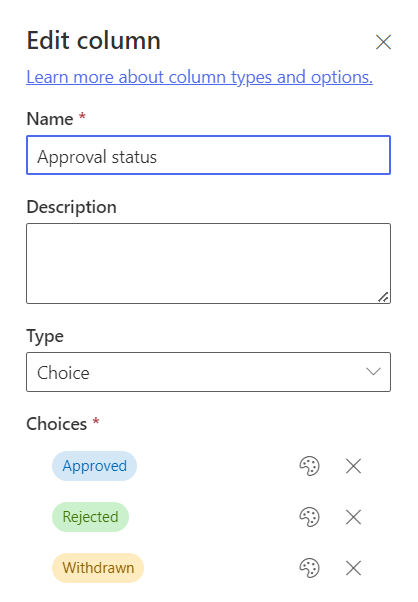
Due to the way that choice fields are returned to Power Automate, I couldn’t use a simple condition that checks the value of the Approval status column and then sends an e-mail if this is equal to Approved.
I first needed to initialise a variable that reads the value of the Approval status column and then use this variable (ApprovalStatus) within the condition….as below:
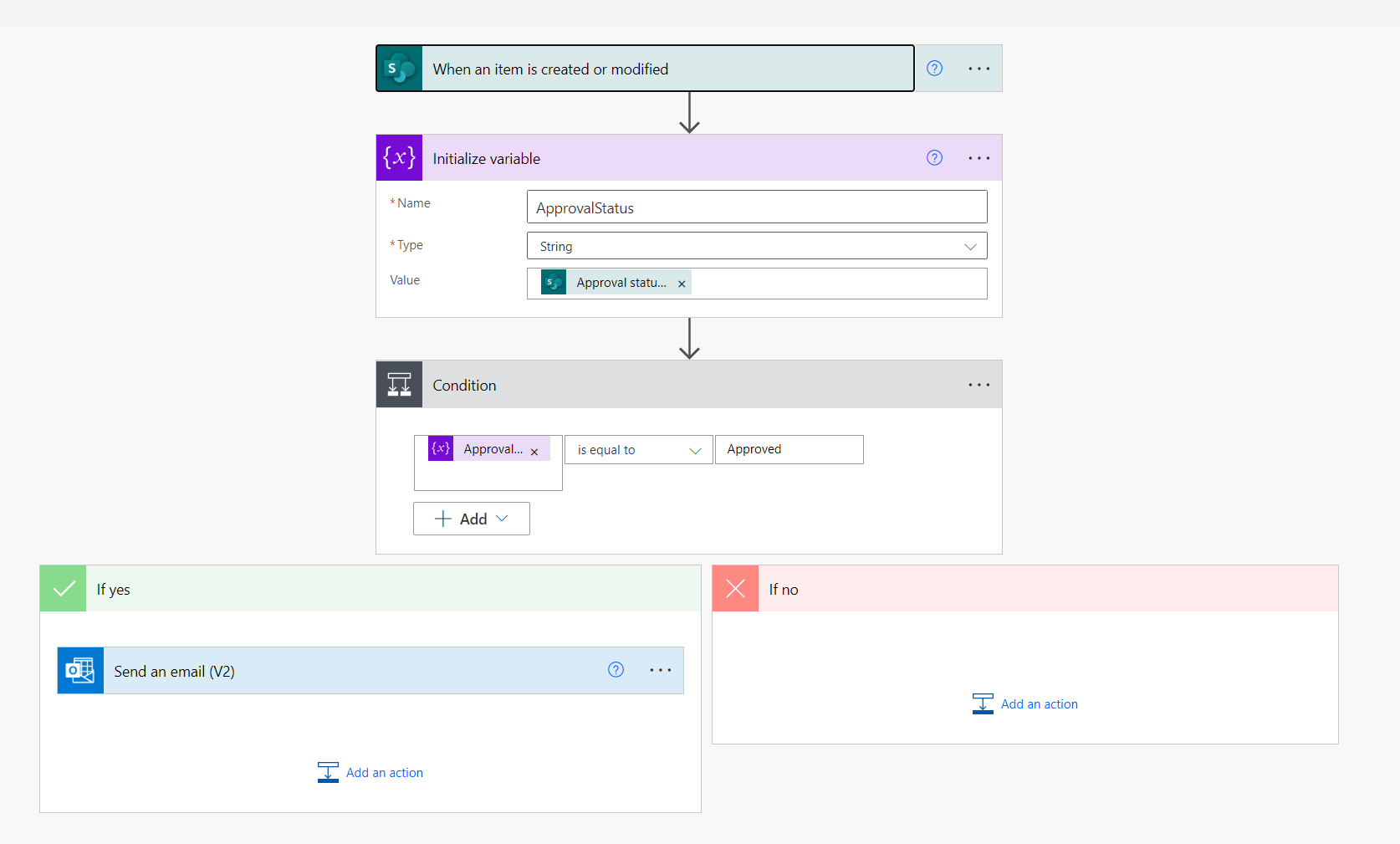
This Flow then sprang into life and started sending e-mails when an item was updated and the Approval status column was set to Approved.
 Brendan's Tech Ramblings
Leave a comment