
This is more of a note for my future self than anything that is earth shattering!
Windows Terminal (which I 💗), recently notified me that I needed to update PowerShell Core. I could have clicked the link and downloaded and installed the updated MSI, however I’m lazy and wanted a quicker way to do this 🏃♂️.
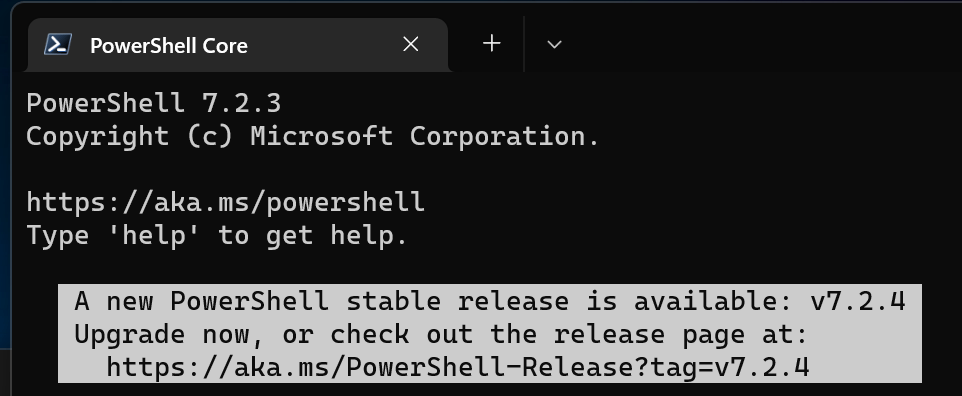
It turns out that PowerShell Core can easily be installed and updated on Windows using winget – what is winget you may ask?!?
The winget command line tool enables you to discover, install, upgrade, remove and configure applications on Windows 10 and Windows 11 computers. This tool is the client interface to the Windows Package Manager service.
Installing PowerShell Core using winget
winget install --id Microsoft.Powershell --source winget
Upgrading PowerShell Core using winget
winget upgrade --id Microsoft.Powershell --source winget
I force the source to winget rather than msstore as there are some limitations with the version of PowerShell Core available from the Microsoft Store (msstore), which are documented here (excerpt from the documentation below).

 Brendan's Tech Ramblings
Leave a comment