
I was speaking to a customer recently who wanted to document the resources within their OCI tenancy. OCI Tenancy Explorer provides details of the services deployed within an OCI tenant, however there isn’t any way to export the information that this presents – ShowOCI to the rescue!
ShowOCI is a reporting tool which uses the Python SDK to extract a list of resources from a tenant. Output can be printer friendly, CSV files or JSON file – this is an ideal way to document the resources deployed and configuration within an OCI tenancy.
This could potentially also be used as a low-tech way to do drift-detection, e.g. take a baseline, and compare over time to detect any drift.
ShowOCI can be executed directly from within the Cloud Shell making it simple and quick to run 🏃.
To execute ShowOCI from within a Cloud Shell (using an account with administrative permissions to the tenant), run the following commands (taken from here):
Step 1 – Clone from OCI Python SDK Repo and Create symbolink link
git clone https://github.com/oracle/oci-python-sdk
ln -s oci-python-sdk/examples/showoci .
Step 2 – Change Dir to ShowOCI
cd showoci
Step 3 – Run ShowOCI: Outputting all resources to CSV files prefixed with “MyTenant”
python3 showoci.py -a -csv MyTenant
There are numerous other options for running ShowOCI, for example you can get it to only include specific resources types such as compute, some of which are demonstrated here all options are presented when running ShowOCI.py without any parameters.
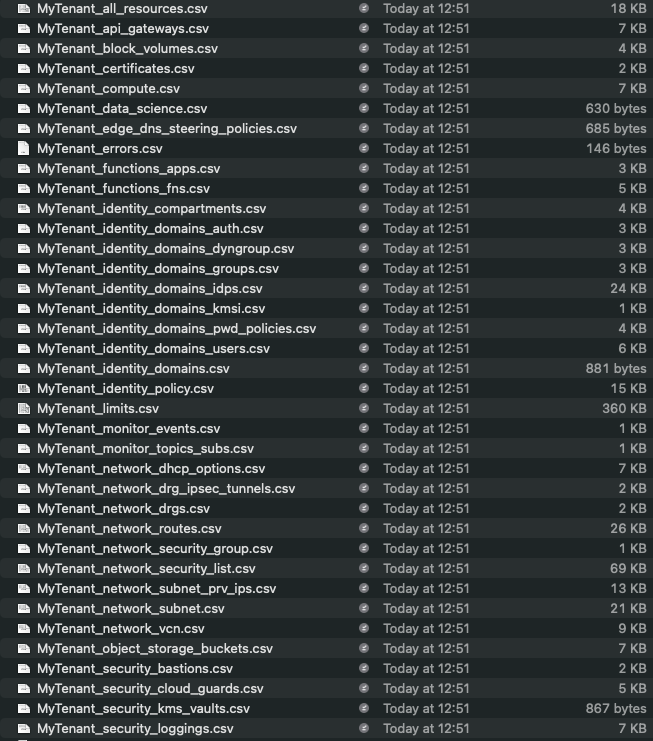
After the script has run, I had a number of CSV files with the ShowOCI directory that contain details of my tenant.
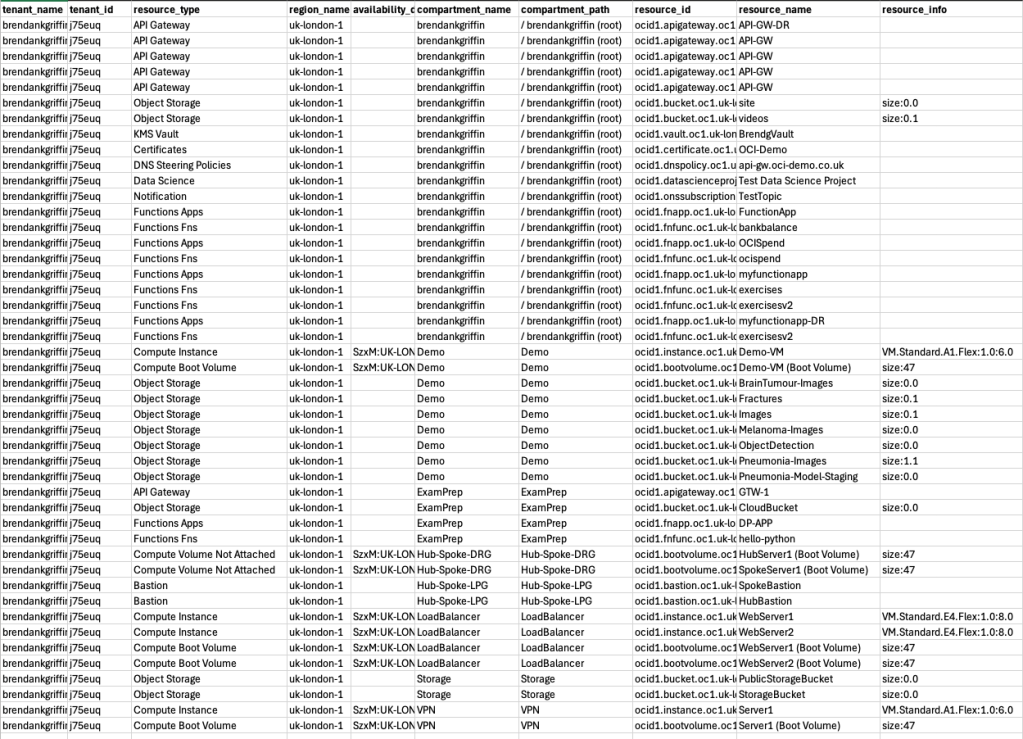
MyTenant_all_resources.csv contains high-level details of all resources within the tenant analysed (not all columns are shown):
There is also a separate CSV file for each type of resource that provides further details, below is an excerpt from MyTenant_compute.csv which shows all of my compute instances (not all columns are shown).

Happy tenant reporting!


Leave a comment