
I recently configured identity federation between Azure AD / Entra ID and OCI IAM, this provided me the ability to login to my OCI tenancy using an Azure AD account, I wrote about it here – Configuring OCI Identity Federation with Azure AD / Entra ID 🔒
The one drawback of the approach I used is that it required me to create a matching account in OCI, for example in Azure AD I have a user account lewis@brendan-griffin.com, to get SSO working between Azure AD and OCI IAM I also needed to create this account in OCI IAM.
User in Azure AD / Entra ID:

User in OCI:
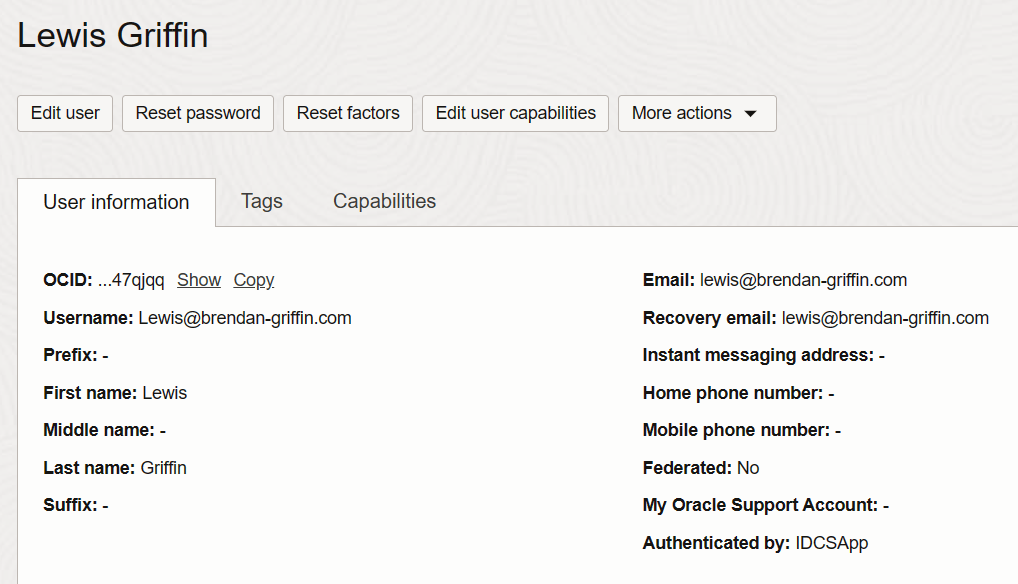
As I’m lazy I wanted to avoid this, one approach is to configure JIT (Just-in-Time) provisioning, essentially what this does is automatically create the user account in OCI IAM at first SSO login, which removes the need to create the account manually – result!
Oracle have detailed guidance on how to do this – JIT Provisioning from Azure AD to OCI IAM, I ran through this process however ran into some issues, which I’ll detail the solutions for below.
After following the steps to setup JIT (detailed in the link above), I received the following error when attempting to login to the OCI Console using a new account – an account that exists in Azure AD, but not in OCI IAM:
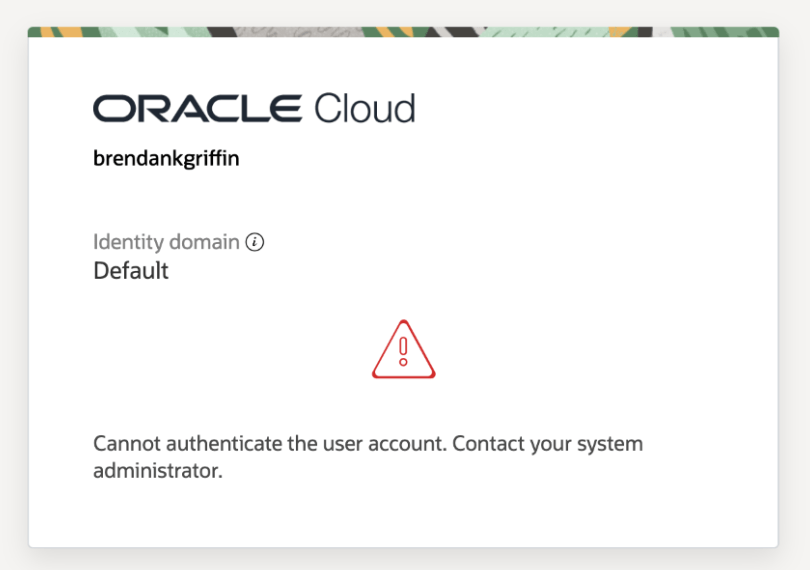
Cannot authenticate the user account. Contact your system administrator
In my particular case the two issues were:
1 – Issue with the OCI documentation 📄
The documentation for configuring JIT has a typo (JIT Provisioning from Azure AD to OCI). Within Step 12 of the Configure JIT Attributes in OCI IAM section, the URL for givenname is invalid and the highlighted text needs to be removed.

2 – Issue with me 🤦♂️
When I created the account I used to test JIT in Azure AD (harrison@brendan-griffin.com), I hadn’t populated all of the required fields – surname, emailaddress and givenname. To fix this, I updated the user account in Azure AD (highlighted fields) with the appropriate values:


Once I’d done this I was able to successfully login into the OCI console using harrison@brendan-griffin.com, JIT had kicked in, worked it’s magic and created his user account in OCI as part of the login process, configuring this as a federated account.

 Brendan's Tech Ramblings
Leave a comment