
Another example of a complete edge case scenario, with little use to anyone – besides myself when I need to refer to this in the future, when I make the same mistake 😆.
I was recently playing around with Azure Migrate and performed a test migration of a VM from On-Premises (a local Hyper-V server in my lab) to Azure ☁️.
I’d provisioned a new VM within my Hyper-V server On-Premises, configured this as a web server and then did a migration to Azure (which was a lot simpler than I thought!). The one thing I forgot to do was enable RDP on the On-Premises VM prior to migration, I’d been using Hyper-V Manager to remotely access the VM and configure it so completely forgot to do this 🤦♂️.
The result of this, was that when the VM had been migrated to Azure it didn’t have RDP enabled so I was unable to access it, this is where the serial console came to the rescue and enabled me to configure RDP and get access to the migrated VM in Azure.
Here are the steps that I followed:
Step 1 – Enable the Serial Console
The first thing I needed to do was enable the serial console, the steps required are documented here.
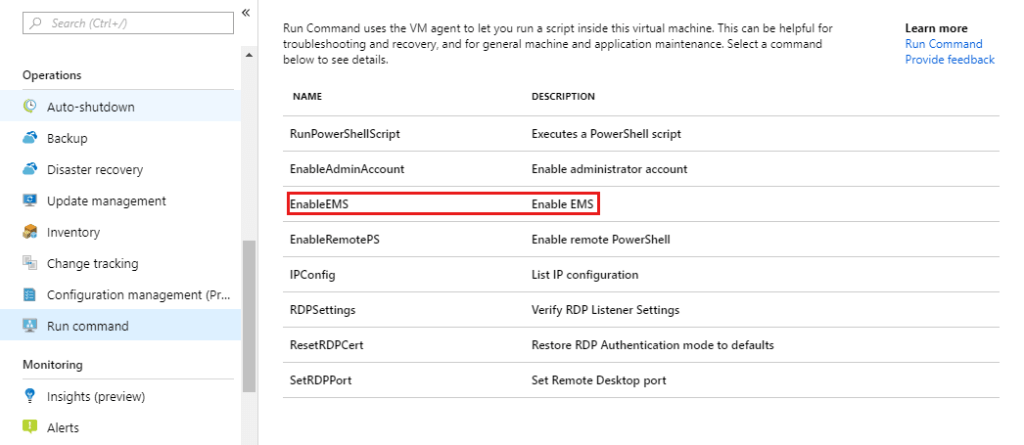
You need to Run EnableEMS against the VM to do this:
Step 2 – Connect to the VM using the Serial Console
- Select Serial Console within the Help section of the VM within Azure
- Type cmd and press enter
- Type ch -si 1 and press enter
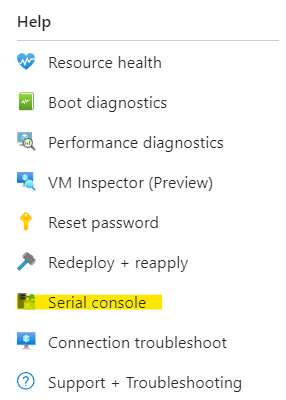

- Press any key
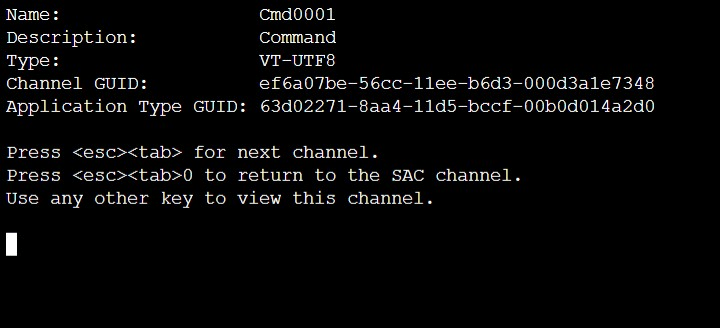
- Input the credentials for the VM

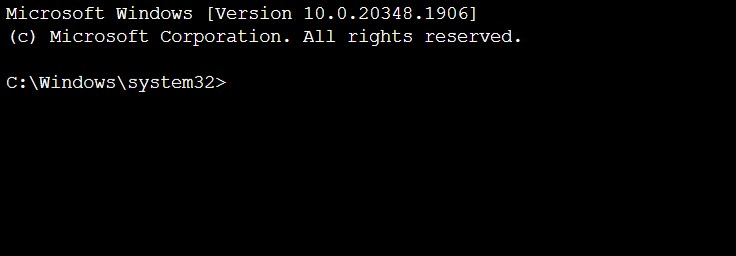
- If successfully authenticated, you should now have a command shell
Step 3 – Enable RDP and Create a Firewall Rule to allow access
Run the following commands within the command shell to enable RDP on the server and then configure Windows Firewall to allow inbound access.
Enable RDP
reg add "HKEY_LOCAL_MACHINE\SYSTEM\CurrentControlSet\Control\Terminal Server" /v fDenyTSConnections /t REG_DWORD /d 0 /f
Configure Windows Firewall
netsh advfirewall firewall set rule group="remote desktop" new enable=Yes

 Brendan's Tech Ramblings
Leave a comment