
I have a Raspberry Pi 400, which I run RetroPie on – if you are into retro gaming and have a Pi I cannot recommend this enough! I have this attached to a 4K TV using HDMI, I needed to change the resolution as I wanted to reduce this to 1920 x 1080 (as I had some issues with one of the emulators running at 4K). I’d usually change the resolution using raspi-config.
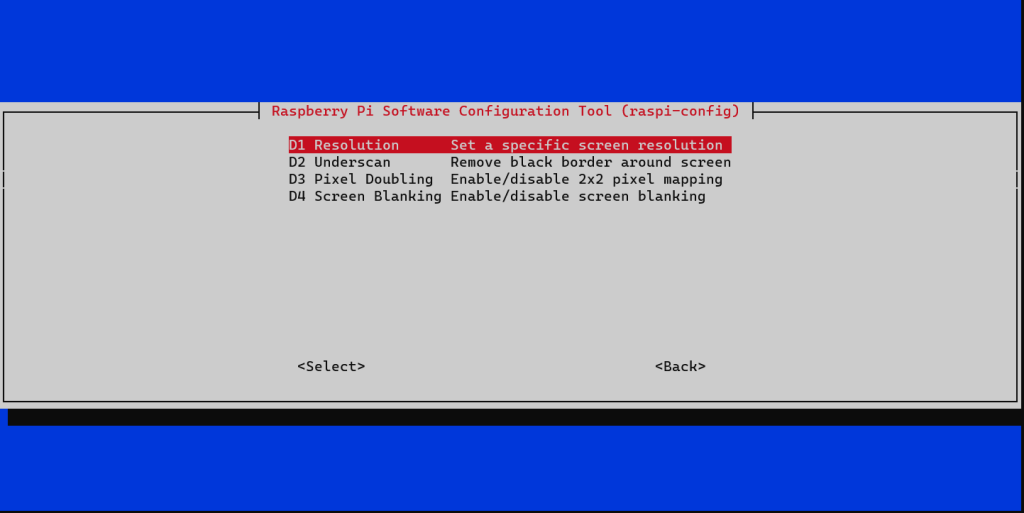
I ran into a issue with raspi-config, whereby the option to change resolution within Display Options > Resolution was acting weirdly – it was dropping me back to the main menu when selecting Resolution, as RetroPie doesn’t have the Raspberry Pi OS GUI I wasn’t sure what other options I had to change the resolution.

It turns out this wasn’t as difficult as I thought, I just needed to edit /boot/config.txt, I ran the following command to do this in a terminal (via SSH):
sudo nano /boot/config.txt
Within this file there was two lines I needed to un-comment to overwrite the current configuration:
hdmi_group and hdmi_mode. I configured hdmi_group to 1 (which means the device is connected to a TV) and hdmi_mode to 16, which equates to 1080p @ 60hz – a full reference for the various modes can be found here.

I gave the Pi a reboot and voila, I had glorious 1080p resolution 📺.
 Brendan's Tech Ramblings
Leave a comment