
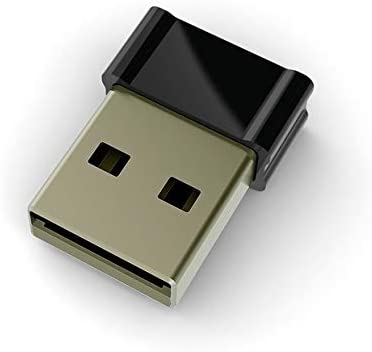
I stumbled upon a Mouse Jiggler on Amazon and was really interested what this device did 🤔. It turns out, that it’s all in the name – it literally jiggles the mouse around randomly to prevent a computer from going into sleep and also keeps you “active” on apps, such as Teams (how naughty!).
Keeping a computer awake is one of the useful features included within the Awake utility in Microsoft PowerToys, if you run Windows this is an essential app and I highly recommend installing it….anyway, back to the mouse jiggler! I thought, what’s the point in buying a device to do this – you could in theory replicate what it does within software using Python and the PyAutoGUI library which lets Python scripts control the mouse and keyboard to automate interactions with other applications. I have used this previously to automate playing computer games, read more about my exploits here.
I created the following masterpiece, which when running will move the mouse around the screen and presses the enter key every 5 seconds, which replicates what a mouse jiggler devices does.
import pyautogui
import time
while True:
    pyautogui.click(x=100,y=100)
    pyautogui.press('enter')
    time.sleep(5)
    pyautogui.click(x=200,y=200)
    pyautogui.press('enter')
    time.sleep(5)
The script can also be found on GitHub.
I really hope my manager doesn’t see this post 🤣.
 Brendan's Tech Ramblings
Leave a comment