
I’ve recently upgraded my Surface Book 2 to Windows 11, one of the first things I took for a test spin was Windows Subsystem for Linux GUI (WSLg) which provides the ability to run Linux GUI apps directly on Windows!
It took me around 5 minutes to get WSLg up and running (including a reboot) using this step-by-step guide, I opted to use the Ubuntu Linux distro (which is the default). One of the first things that I did was to install Microsoft Edge for Linux, instructions on how to do this can be found here.
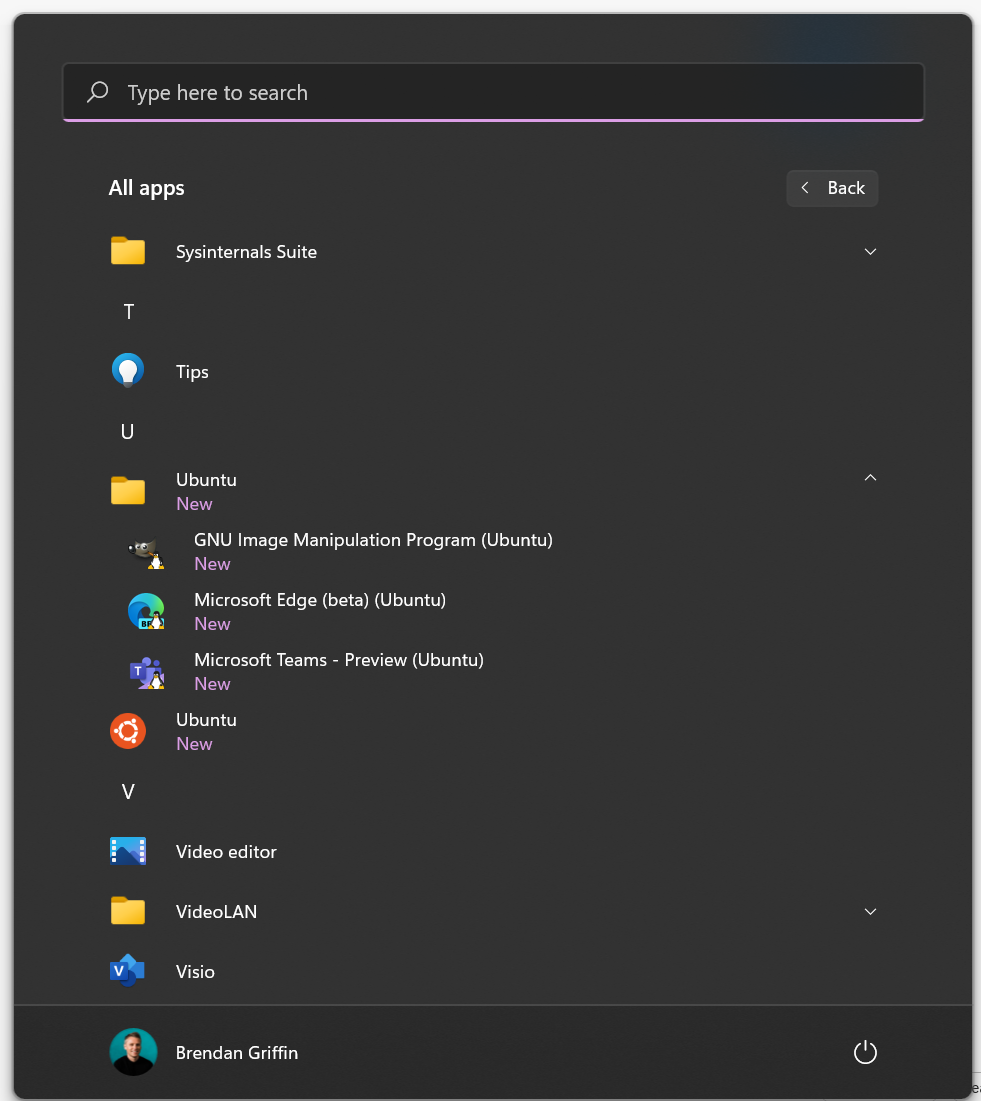
One of the cool things about WSLg is that Linux apps that have been installed appear in the Start Menu!
This got me thinking…..could I spin up an emulator for the greatest computer of all time – the Amstrad CPC 6128 (my very first computer) within Edge? It turns out I could using http://crocods.org/web 😀. So here we have an Amstrad CPC 6128 running within Edge on Linux on Windows 11.

Check out my BASIC skills!
If you are interested in finding out how WSLg works under the hood, I’d recommend checking out this blog post.


Leave a comment